Edit the text in a screenshot
Chats, notifications, app screens, lock screens. Tap the line, type the new text, download. The system font is matched for you.
Edit the text in your image
Before and after
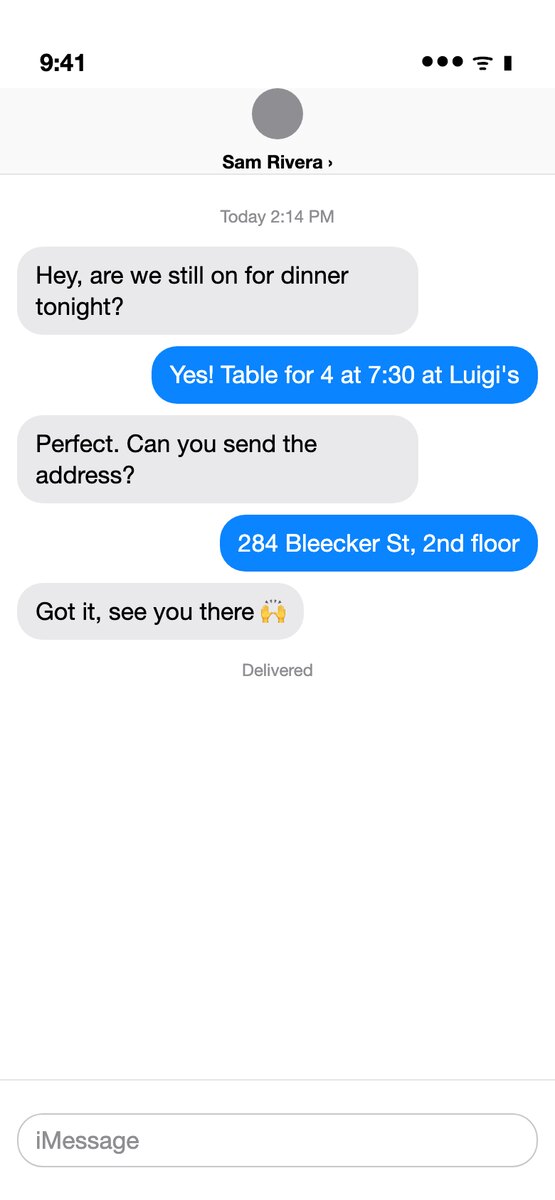 Before
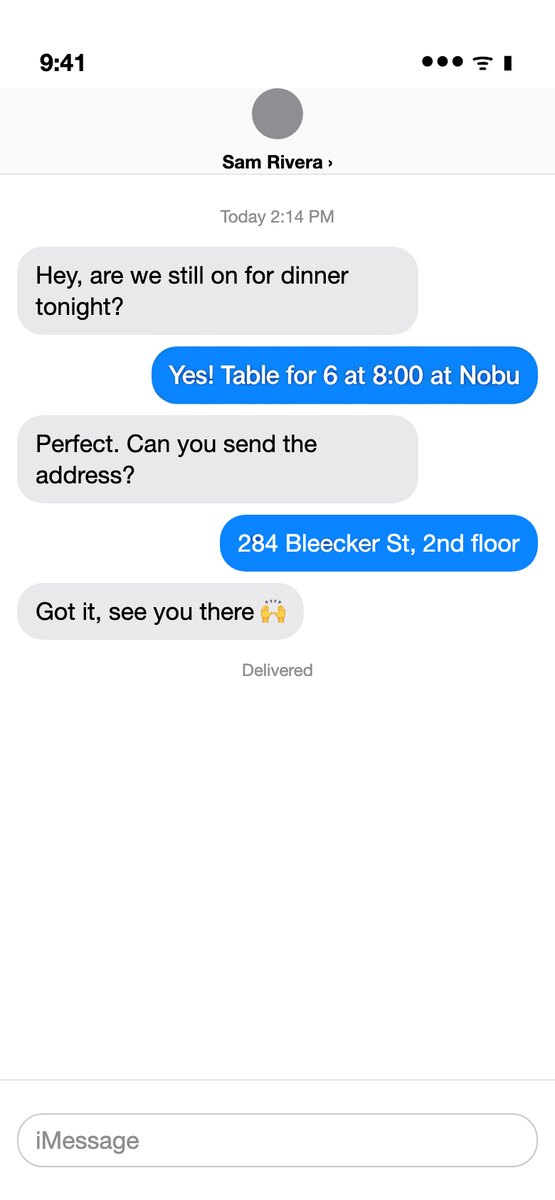 After
After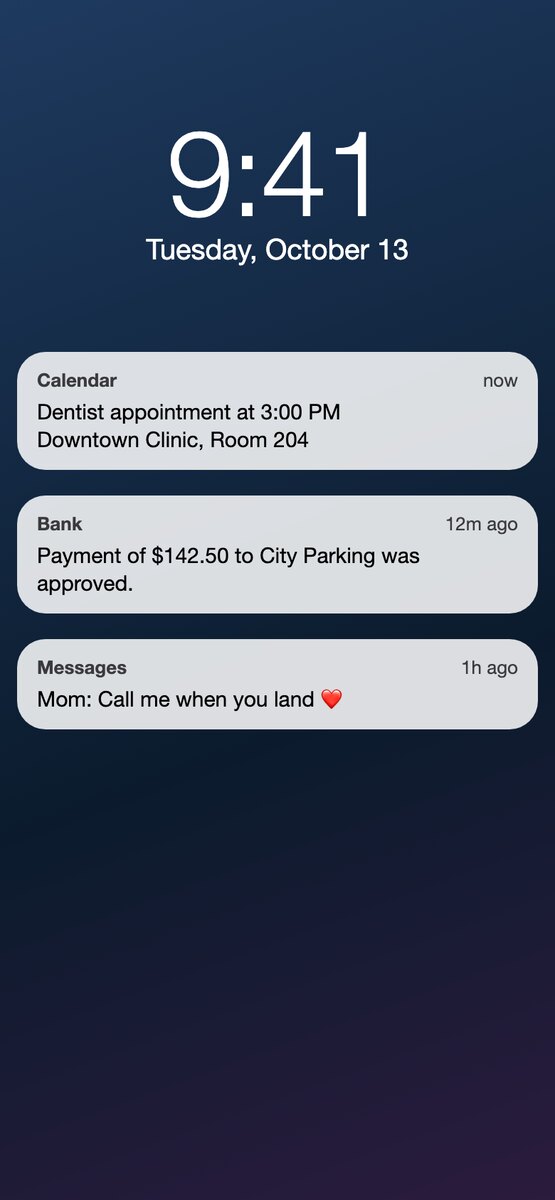 Before
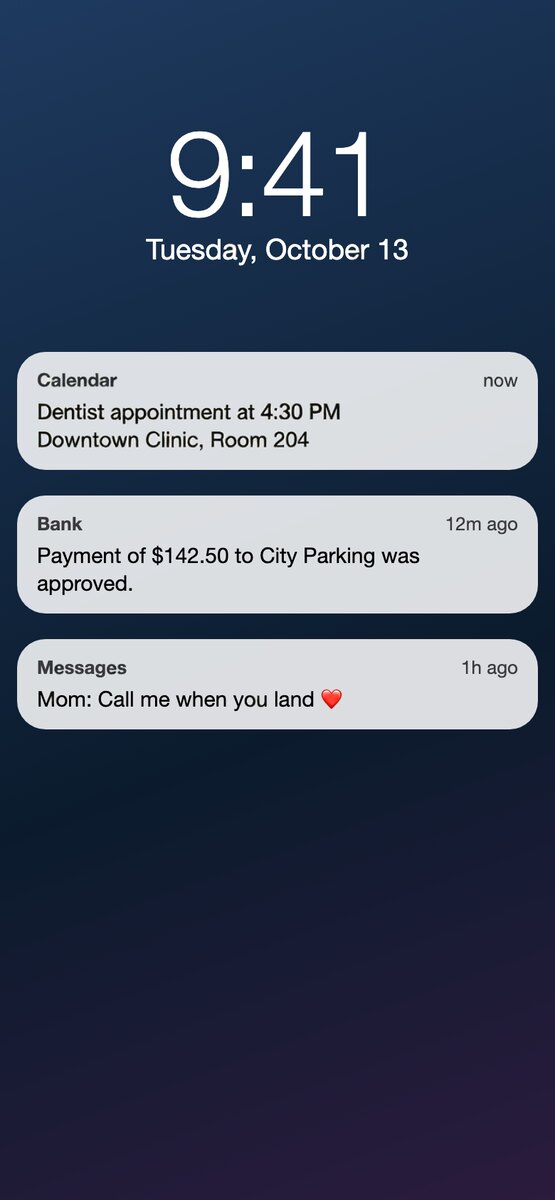 After
After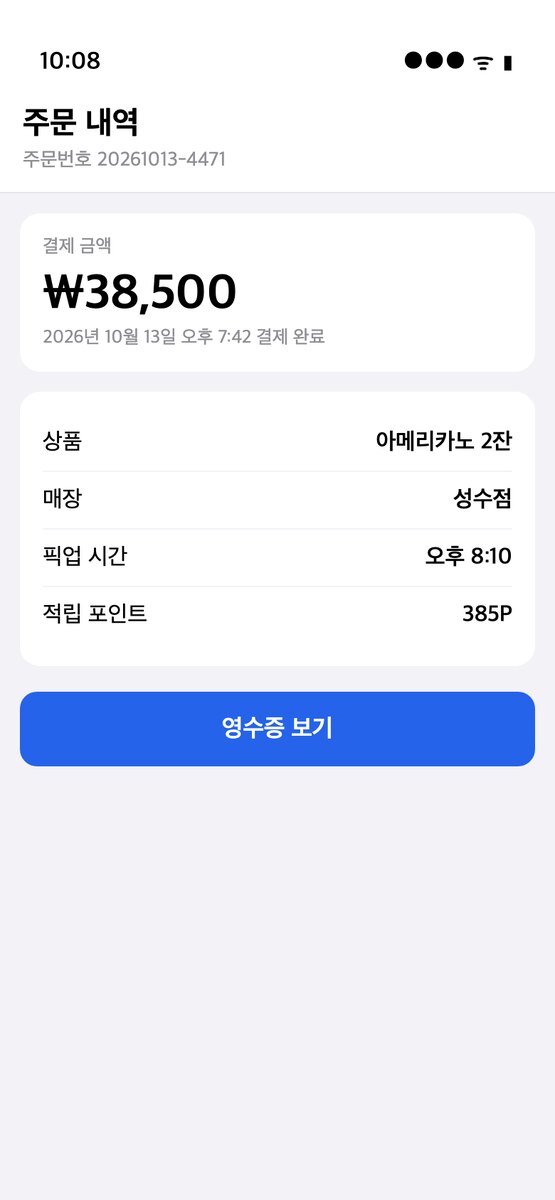 Before
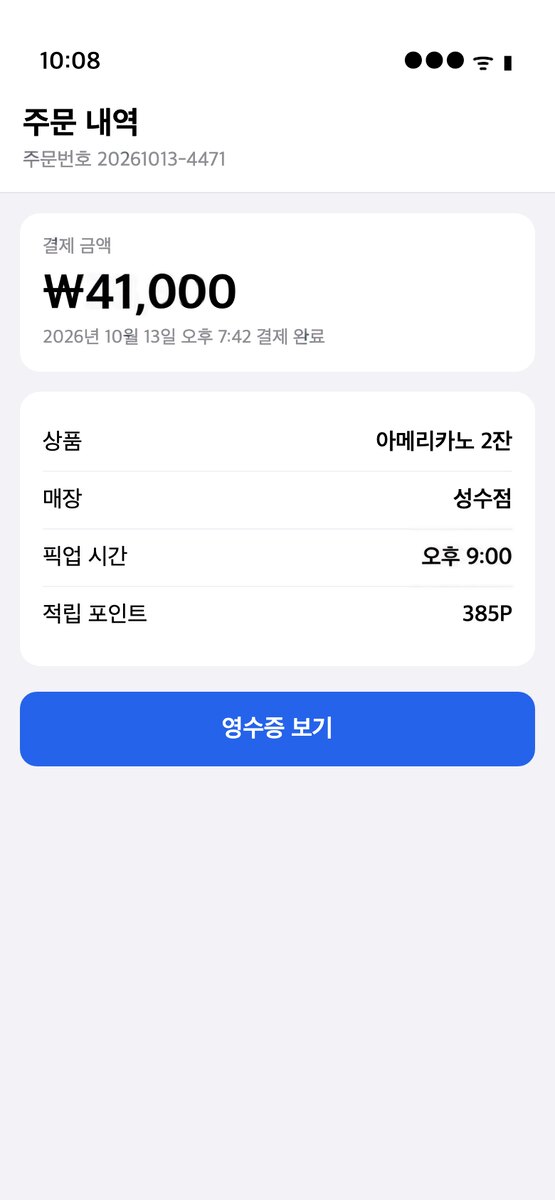 After
AfterIn short
Upload the screenshot. Every line of text is found and boxed, including status bars and timestamps. Type the replacement for the lines you want to change; leave the rest empty. The result keeps the iOS, Android or Windows font, the bubble shape and the colors, and it is the same size as the screenshot you uploaded. No app to install, works on the phone itself.
How it works
- 1
Upload the image
PNG, JPEG or WebP. The text in it is found and boxed in a few seconds. No account needed for this step.
- 2
Type what each line should say
Click a box, type the new text, or translate every line into another language in one click. Fix a misread line or draw a box the scan missed. Change up to 20 lines at once.
- 3
Download the result
In 20 to 40 seconds you get a PNG with the new text in the original font, color and angle. One credit per image; your first is free.
What changes and what does not
Only the lines you typed a replacement for are redrawn. Everything else, from the wallpaper to the emoji, is left as it was.
Chat bubbles resize to fit a longer or shorter message. Right-aligned bubbles stay right-aligned.
The output is a PNG the same size as your screenshot. Everything you did not change keeps its original pixels, so the status bar and the other messages look exactly as before.
Typical uses
- Blur out a name or an address in a screenshot you want to share, by replacing it with a placeholder.
- Fix a typo in a screenshot that is going into a document, a tutorial or a support ticket.
- Localise an app screenshot for a store listing or a help page without re-taking it on a device set to that language.
- Make a mock-up of a notification or a message for a design review.
What it will not edit
ID cards, passports, driving licences, certificates, transcripts, receipts, invoices and bank documents. The scan recognises these and the edit is refused before anything is charged. Editing them is forgery in most places, and we do not want that traffic.
Everything else that is yours to change is fine: your screenshots, your designs, your photos, images you have the rights to.
Questions
Can it edit a WhatsApp, iMessage or Telegram screenshot?
Yes. Any screenshot is just an image. The scan finds the message lines and the timestamps; you change what you need.
Will the text still look like the real app font?
Yes. The font is sampled from the surrounding pixels, so San Francisco stays San Francisco and Roboto stays Roboto, including weight and letter spacing.
Is it allowed to edit screenshots?
Editing your own screenshots for sharing, documentation or design is fine. Do not use it to fabricate messages that misrepresent someone, and do not edit receipts, bank screens or official documents; those are refused.
Do I need to know the font?
No. The font, weight, color, outline and slant are copied from the pixels around the line. You only type the new words.
Does it keep the resolution?
Yes. The result is a PNG the same size as the image you uploaded, and apart from the lines you changed, the pixels are the ones you uploaded. Nothing is downscaled to fit a watermark or a free tier.
Is there a watermark?
No, on free and paid edits alike.
Does it work on a phone?
Yes. It runs in the browser on iPhone and Android. Upload from your camera roll, tap a line, type, download.
What does it cost?
One credit per image, however many lines you change. New accounts get 1 free credit. Then 2 edits for $1, 40 for $10, or 120 a month for $20. Failed edits are not charged. Pricing.
What happens to my image?
It is sent to the model once, stored for up to a day so the edit can finish, then deleted. Results are kept for 30 days so you can download them again. See the privacy policy.