Why the text you changed looks fake
You changed one word on a sign and everyone can tell. These are the six reasons we see most in our own test edits, with what fixes each.
Updated 2026-10-24
It’s a little too big
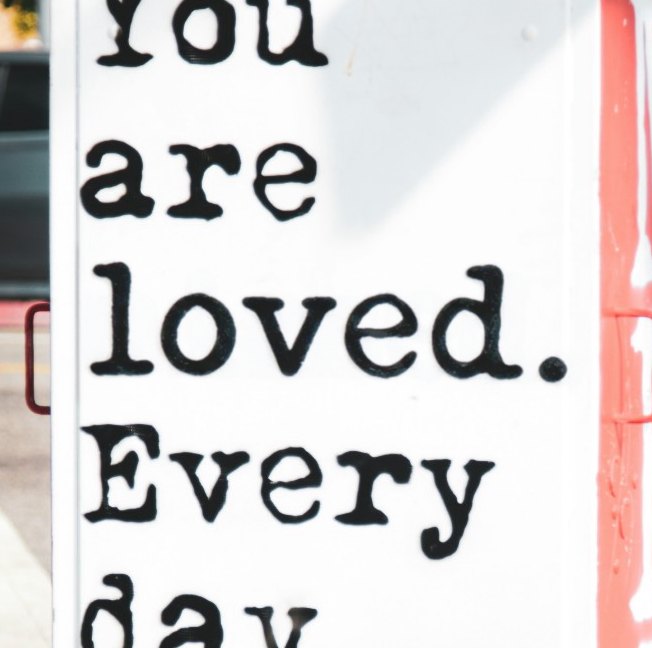
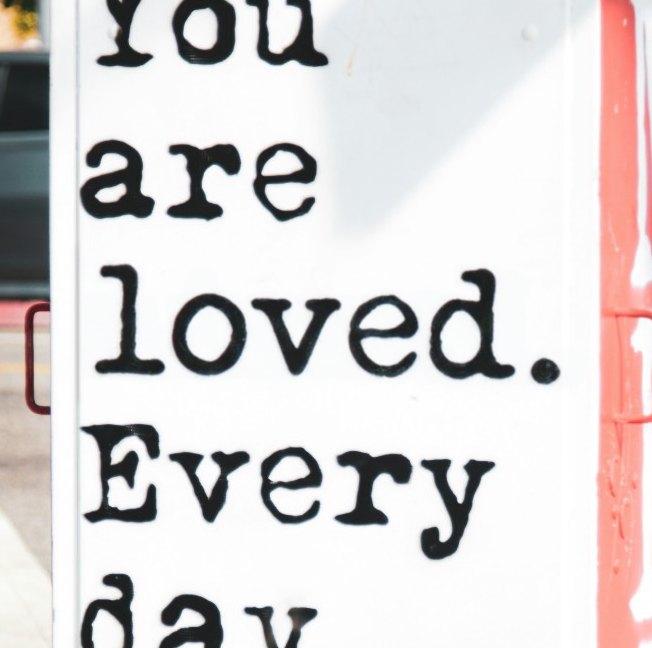
We changed "missed." to "loved." on a stenciled box. The new word came out 5 to 8 percent taller than the line above it. You notice before you can say why.
Compare a lowercase letter, an e or an a, with the same letter in the next line. If the heights differ, the size is off. Make It Say makes two versions of every edit and measures letter height and stroke width in each; the closer one is shown first. In this case the second version landed inside the range of the original letters.
The font is close but cleaner
Same box. The original letters are a worn stencil, with ink bleeding at the edges. The model drew a tidy typewriter face. Asking for the same ink texture helped a little; picking between two versions helped more.
It’s sharper than the photo
A model draws new letters crisp. Phone photos and old prints aren’t. The fix is to measure how soft the untouched letters next to the change are and blur the new ones to match. Make It Say does this on every edit; a sharp photo gets no blur at all.
The ink is too dark, or too fresh
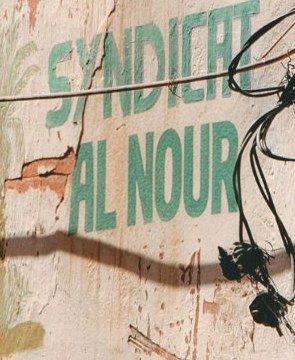
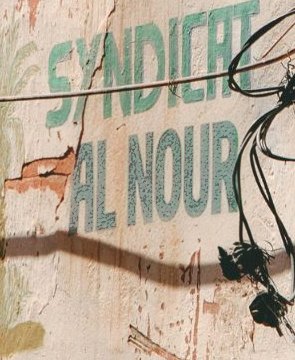
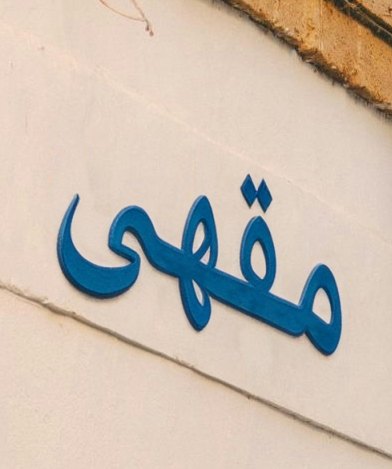
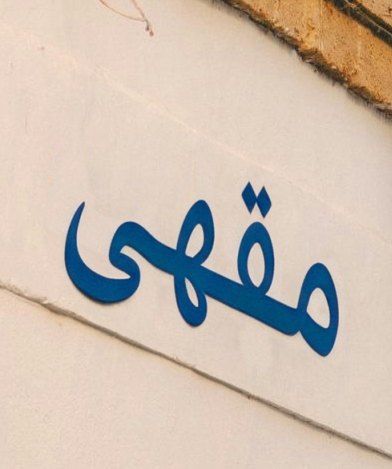
On a faded wall sign, the new "AL NOUR" came out bright green while the old letters were a greyish blue-green. Blue Arabic letters painted on a white wall came back 12 percent darker.
Make It Say compares the color of the new letters with the old letters in the same box and shifts them to match. Only pixels the model changed are touched, so shadows and cracks keep their color.
It grew a shadow or a raised edge
Flat paint came back as raised, shaded letters. Asking for "the same finish as the original" removed most of it. On a poster the new 4 still came with a thin drop shadow. When that happens, switch to the other version or run it again.
It’s flat on a curved surface
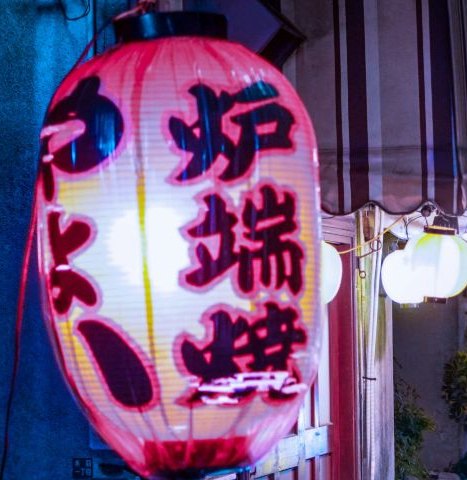
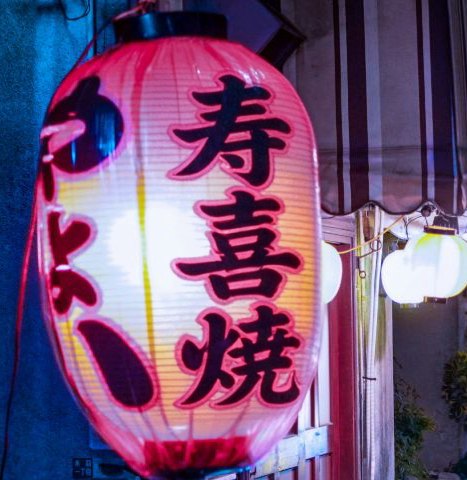
Text on a paper lantern bends with the lantern. Our replacement came out upright and flat, and asking for the curve didn’t change that. For now, curved surfaces are the weak spot. A flat sign is the safer case.
A quick check before you post it
- Compare one letter with the same letter in the next line: height and thickness.
- Zoom into the edges. Are the new letters sharper than the old ones?
- Look at the color right next to the old text.
- Look for a shadow under the new words.
- On a curved surface, check that the new words bend too.
What it will not edit
ID cards, passports, licences, certificates, transcripts, receipts, invoices and bank documents. The scan recognises these and the edit is refused before anything is charged.
The shortcut
If the text is already part of the pixels and you only need to change the words, Make It Say does that in one step: upload, type the new text, download. The font, color and angle come from the image itself, so there is nothing to match by hand. First edit free.
Edit the text in your image
Questions
How do I make edited text look real?
Match it to the letters around it: size, font, sharpness, ink color and the surface it sits on. The fastest check is to compare one letter with the same letter in the next line.
Why is my edited text blurry, or too sharp?
The new letters were drawn at a different sharpness than the photo. Measure the untouched letters next to them and blur or keep the new ones to match. Make It Say does this automatically.