Blur text in an image
Names, addresses, phone numbers, order IDs. The text is found and boxed; tap the lines you want gone, pick blur, pixelate or a black box, and download. Free, no watermark, no sign-up.
Blur the text in your image
In short
Upload a screenshot or photo. Every line of text is found and boxed in a few seconds. Tap the lines to hide, or select all, and choose blur, pixelate or a solid black box. The blur is done in your browser on the full-size image, so the download has the same width and height as your original, with no watermark and nothing added. No account, no credits, nothing to install; it works on a phone.
How it works
- 1
Upload the image
PNG, JPEG or WebP: a screenshot, a photo, a scanned page. Every line of text is found and boxed in a few seconds.
- 2
Tap what to hide
Tap boxes on the image or tick lines in the list, or select all. Draw a box over anything the scan missed, like a face or a QR code.
- 3
Download
Pick blur, pixelate or a black box and download. Same size as your image, no watermark.
What it looks like
The contact name and the address in this chat are blurred. Everything else is the original pixels.
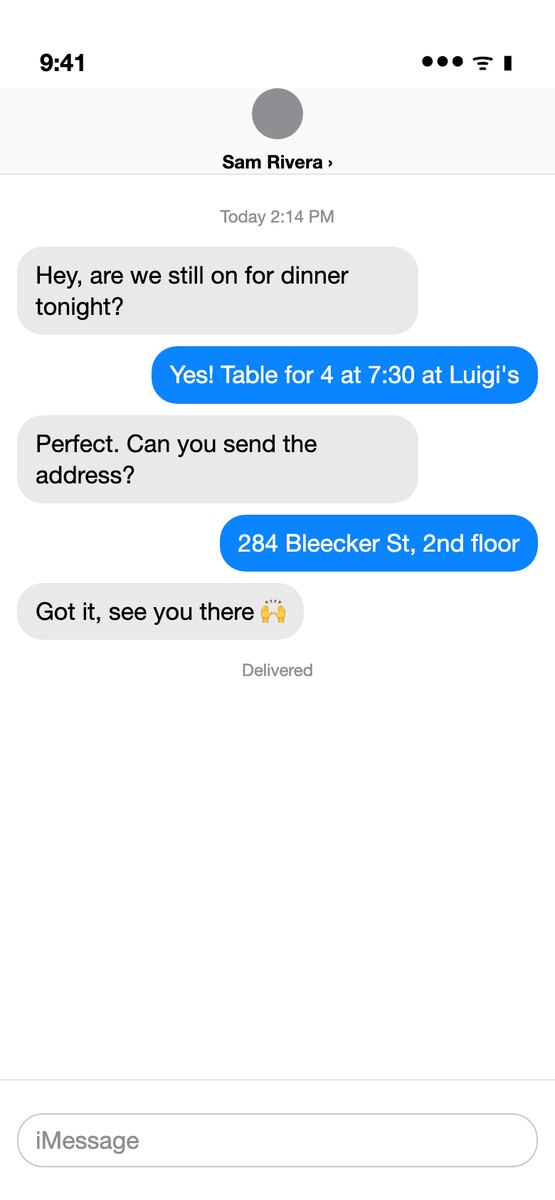
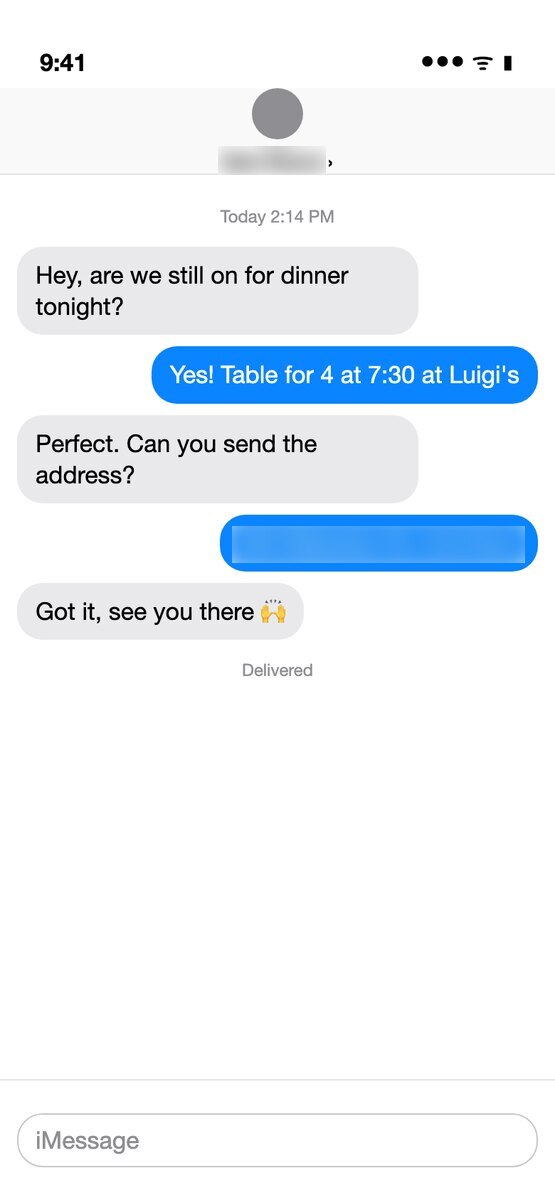
Blur, pixelate or black box
- Blur keeps the colors of the area and smears the letters. It looks the softest in a screenshot you post.
- Pixelate turns the area into squares about half as tall as the text.
- A black box removes the area completely. Use it for passwords, card numbers and anything that must never be read back.
Blur and pixelate are set strong enough that the letters cannot be read, and they cannot be turned down. Weak blur on short text can sometimes be guessed back, so the strength follows the size of the text.
Typical uses
- Hide names, phone numbers and profile pictures before posting a chat screenshot.
- Blur an address, an order number or a tracking code on a shipping label or an order page.
- Cover account numbers, emails and API keys in a screenshot for a bug report, a tutorial or a slide.
- Blur house numbers and license plates in a photo.
Want different words instead of a blur?
Blur shows that something was hidden. To make the image say something else in the same font, use the text editor or edit the text in a screenshot. To make the text disappear with the background filled in, remove text from the image. Those use an AI model and cost one credit; your first is free.
Questions
Is it really free?
Yes. Finding the text and blurring are free, with no account and no watermark. Guests can scan about 10 images an hour; sign in for more.
Does it keep the resolution?
Yes. The download has the same width and height as the image you uploaded. Only the boxes you picked change. JPEGs stay JPEG, other images come back as PNG. Images over about 16 megapixels are scaled down to fit what phone browsers can draw.
Is my image uploaded?
Once, to find the text: it goes to the text readers listed in the privacy policy and is not stored by us. The blur itself happens in your browser, and the blurred image is never uploaded.
Can blurred text be read back?
Weak blur and small mosaic squares on short text sometimes can. Here the strength is tied to the height of the text and cannot be lowered. For passwords, card numbers and keys, use the black box: there is nothing left to recover.
Can I blur something that is not text, like a face?
Yes. Use "Draw a missing box" and drag over the face, the QR code or anything else.
Does it work on a phone?
Yes, in the browser on iPhone and Android. Pick from your camera roll, tap the lines, download.
Can I blur text in a video?
Not yet. This works on one image at a time.