Change a date or time in an image
Rescheduled event, wrong year on a flyer, a timestamp in a mock-up. Type the new date; nothing else moves.
Edit the text in your image
Before and after
 Before
 After
After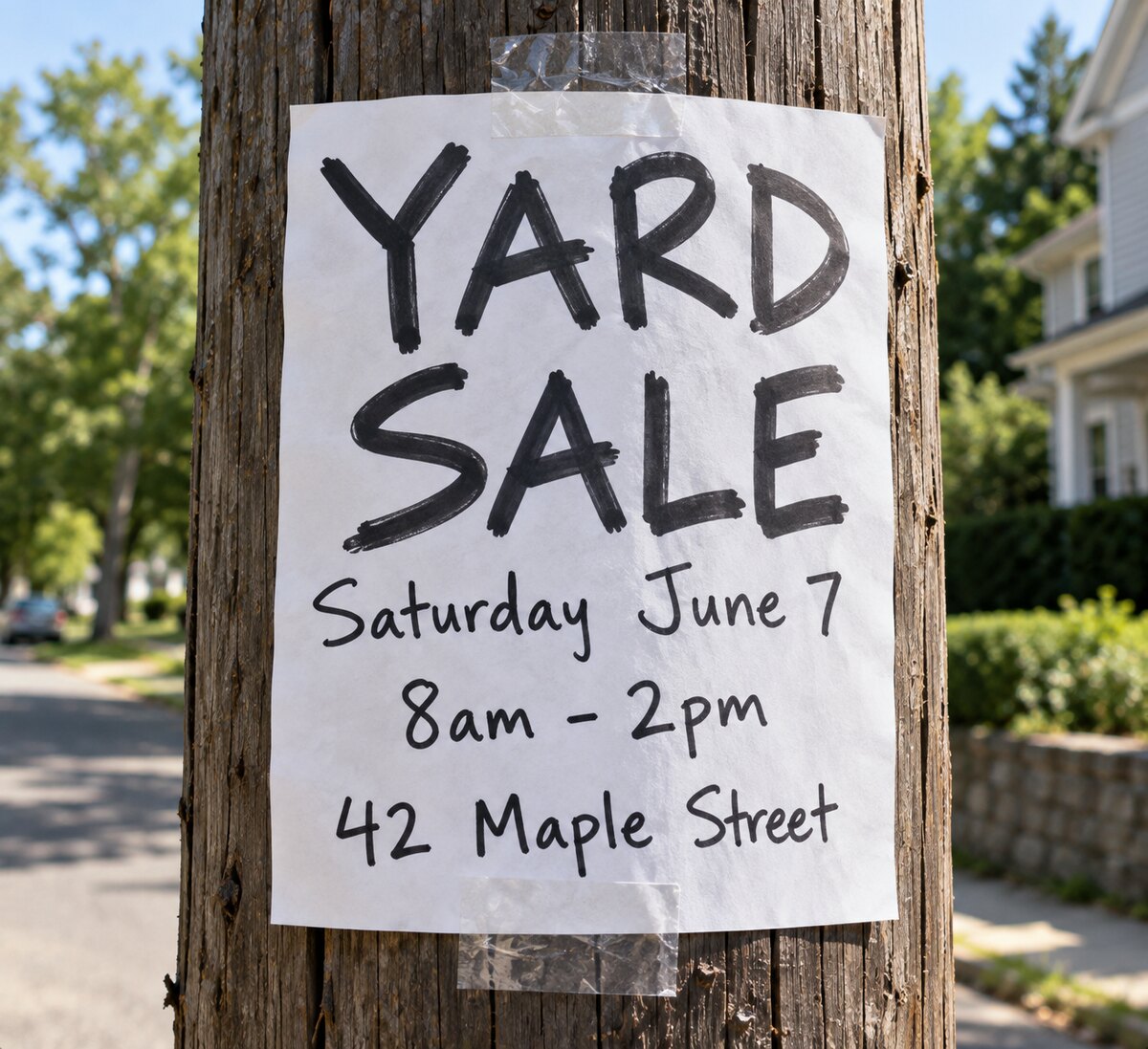 Before
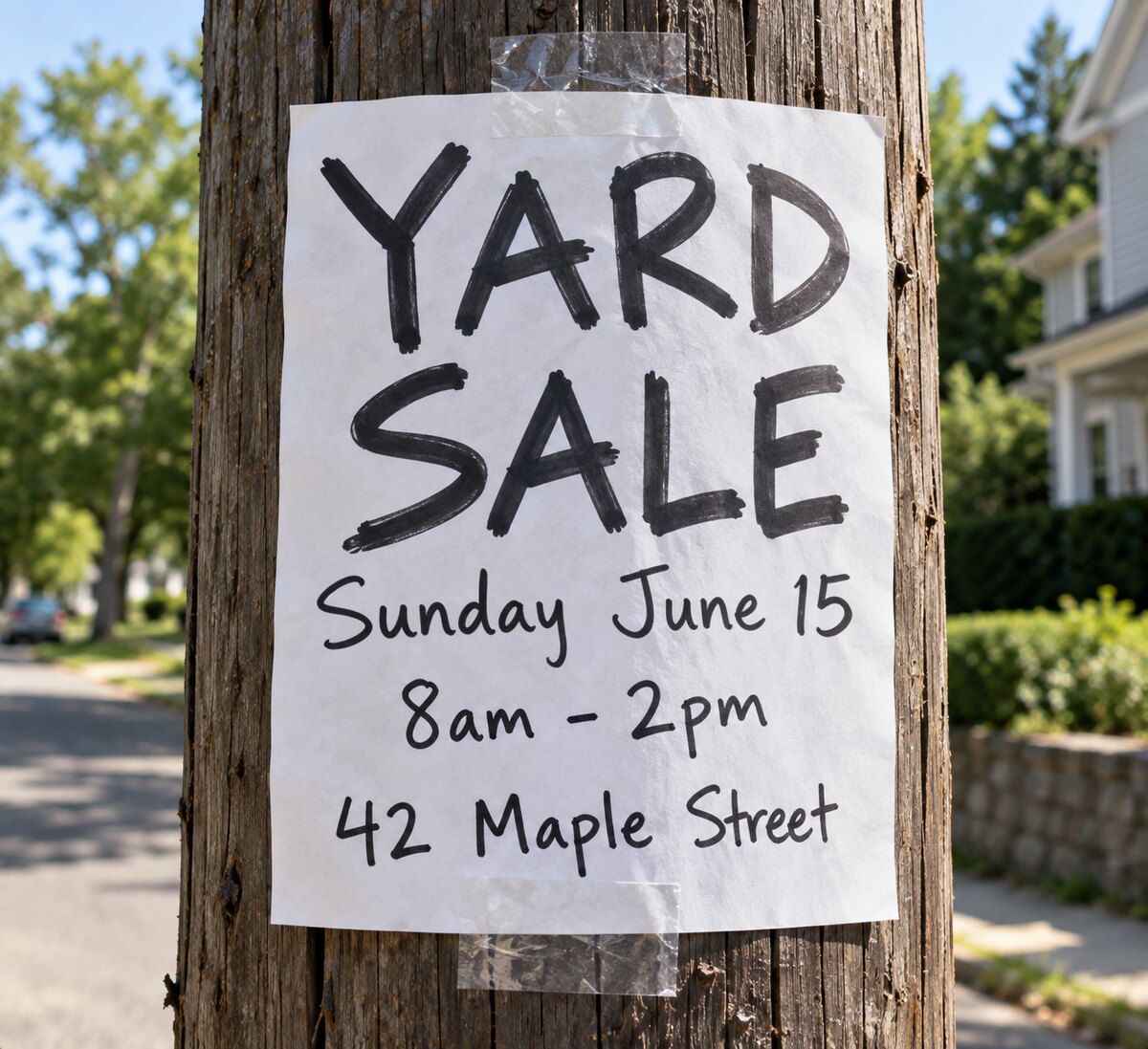 After
After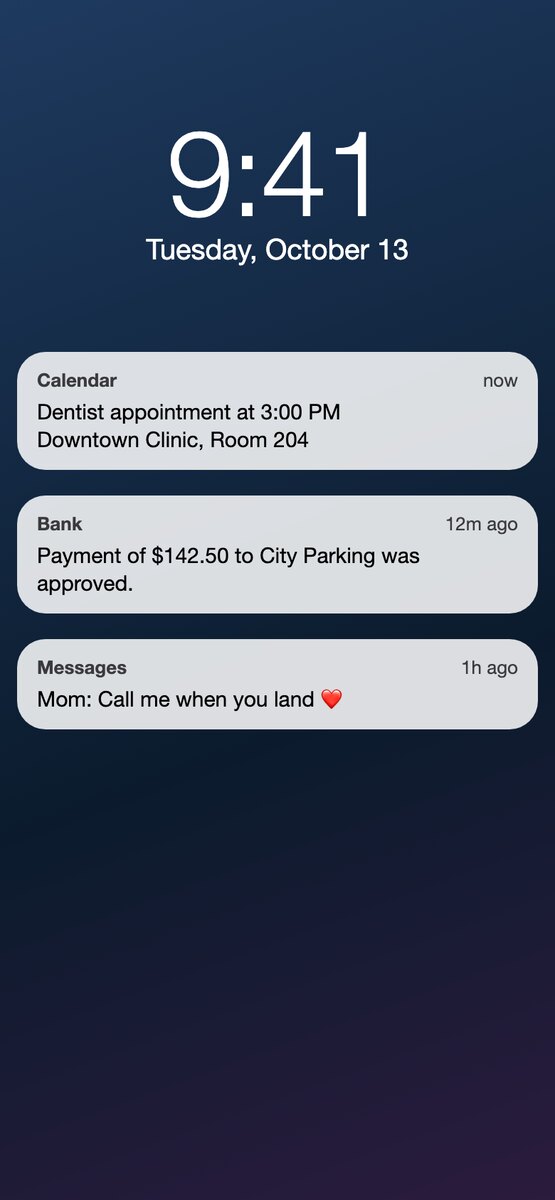 Before
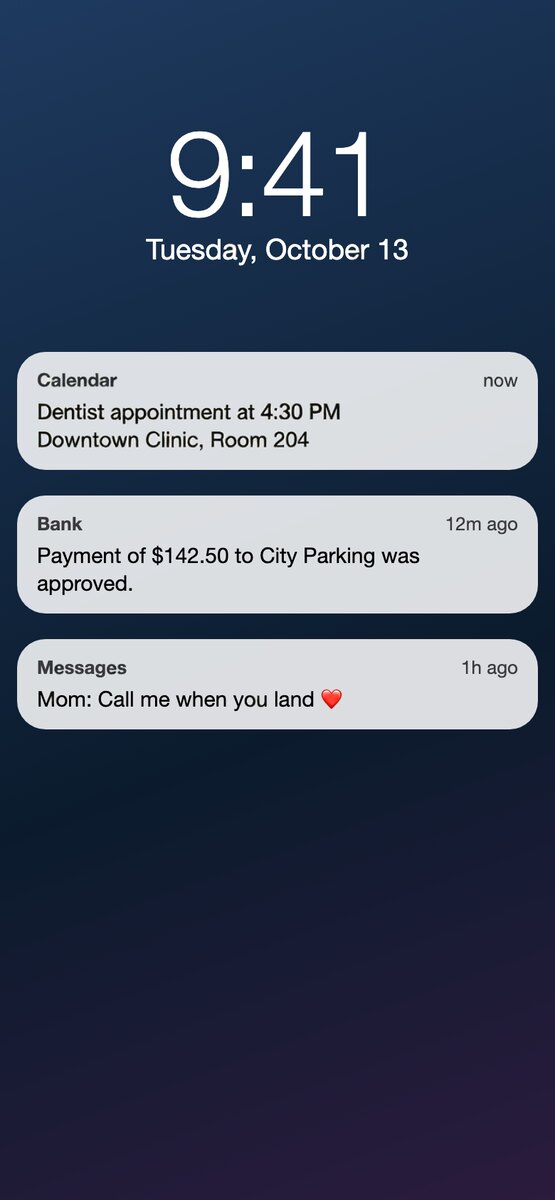 After
After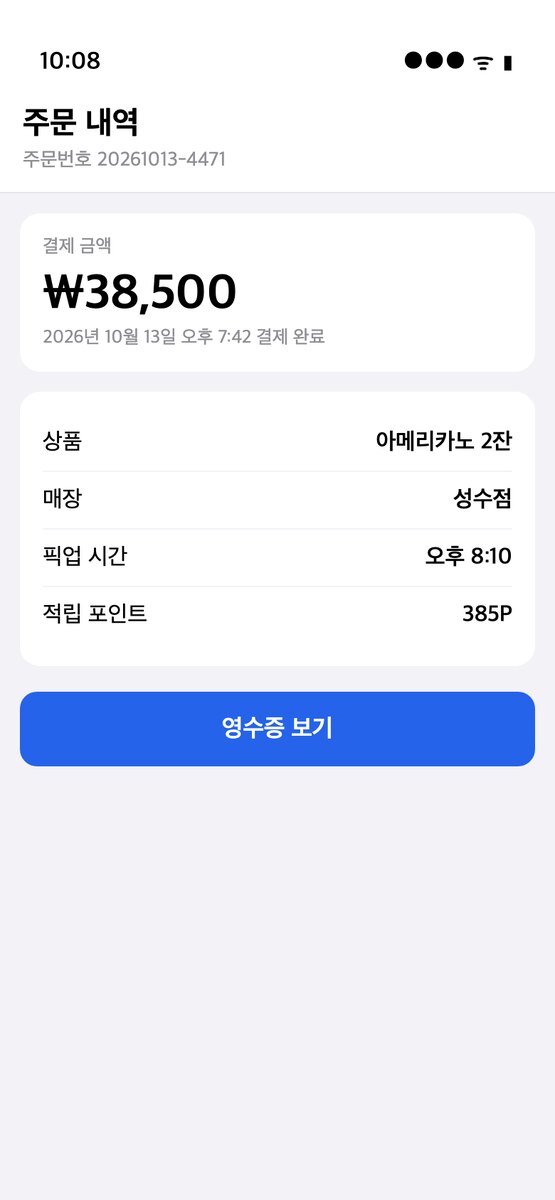 Before
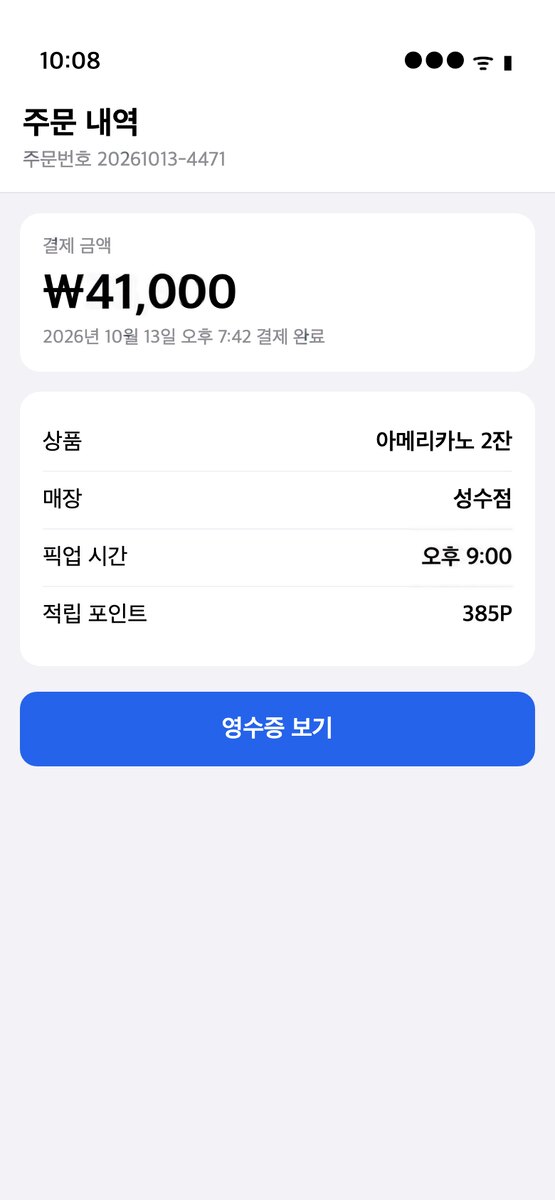 After
AfterIn short
Dates are the most common thing people need to change in a finished image, and the easiest: short text, clear position. Upload the poster or screenshot, pick the date line, type the new one. It works on printed-looking dates, hand-lettered dates and app timestamps. Dates on ID cards, certificates, receipts, tickets and other documents are refused; that is forgery and the scan stops it before any charge.
How it works
- 1
Upload the image
PNG, JPEG or WebP. The text in it is found and boxed in a few seconds. No account needed for this step.
- 2
Type what each line should say
Click a box, type the new text, or translate every line into another language in one click. Fix a misread line or draw a box the scan missed. Change up to 20 lines at once.
- 3
Download the result
In 20 to 40 seconds you get a PNG with the new text in the original font, color and angle. One credit per image; your first is free.
What this page is for
- Event posters and flyers after a reschedule.
- Social media graphics with a date, a countdown or a year.
- Screenshots and lock-screen mock-ups for design and documentation.
- Photos with a visible date stamp that you want to correct for a scrapbook or a print.
What it refuses
Anything that functions as proof: identity documents, certificates and diplomas, receipts and invoices, tickets and boarding passes, bank and payment screens, medical and legal paperwork. If the scan classifies the image as one of these, the edit does not run.
What it will not edit
ID cards, passports, driving licences, certificates, transcripts, receipts, invoices and bank documents. The scan recognises these and the edit is refused before anything is charged. Editing them is forgery in most places, and we do not want that traffic.
Everything else that is yours to change is fine: your screenshots, your designs, your photos, images you have the rights to.
Questions
Can I change the date on a photo’s metadata too?
No. This changes the pixels you see, not the EXIF data. For metadata, use a photo manager.
Why was my image refused?
The scan decided it looks like a document (ID, certificate, receipt, invoice, bank statement or similar). That is intentional. If it is a poster or a screenshot and the scan got it wrong, email us the image and we will look at it.
Do I need to know the font?
No. The font, weight, color, outline and slant are copied from the pixels around the line. You only type the new words.
Does it keep the resolution?
Yes. The result is a PNG the same size as the image you uploaded, and apart from the lines you changed, the pixels are the ones you uploaded. Nothing is downscaled to fit a watermark or a free tier.
Is there a watermark?
No, on free and paid edits alike.
Does it work on a phone?
Yes. It runs in the browser on iPhone and Android. Upload from your camera roll, tap a line, type, download.
What does it cost?
One credit per image, however many lines you change. New accounts get 1 free credit. Then 2 edits for $1, 40 for $10, or 120 a month for $20. Failed edits are not charged. Pricing.
What happens to my image?
It is sent to the model once, stored for up to a day so the edit can finish, then deleted. Results are kept for 30 days so you can download them again. See the privacy policy.