Change a number or price in an image
A price tag, a score, a quantity, a percentage. Type the new figure; the digits come back in the same font and size.
Edit the text in your image
Before and after
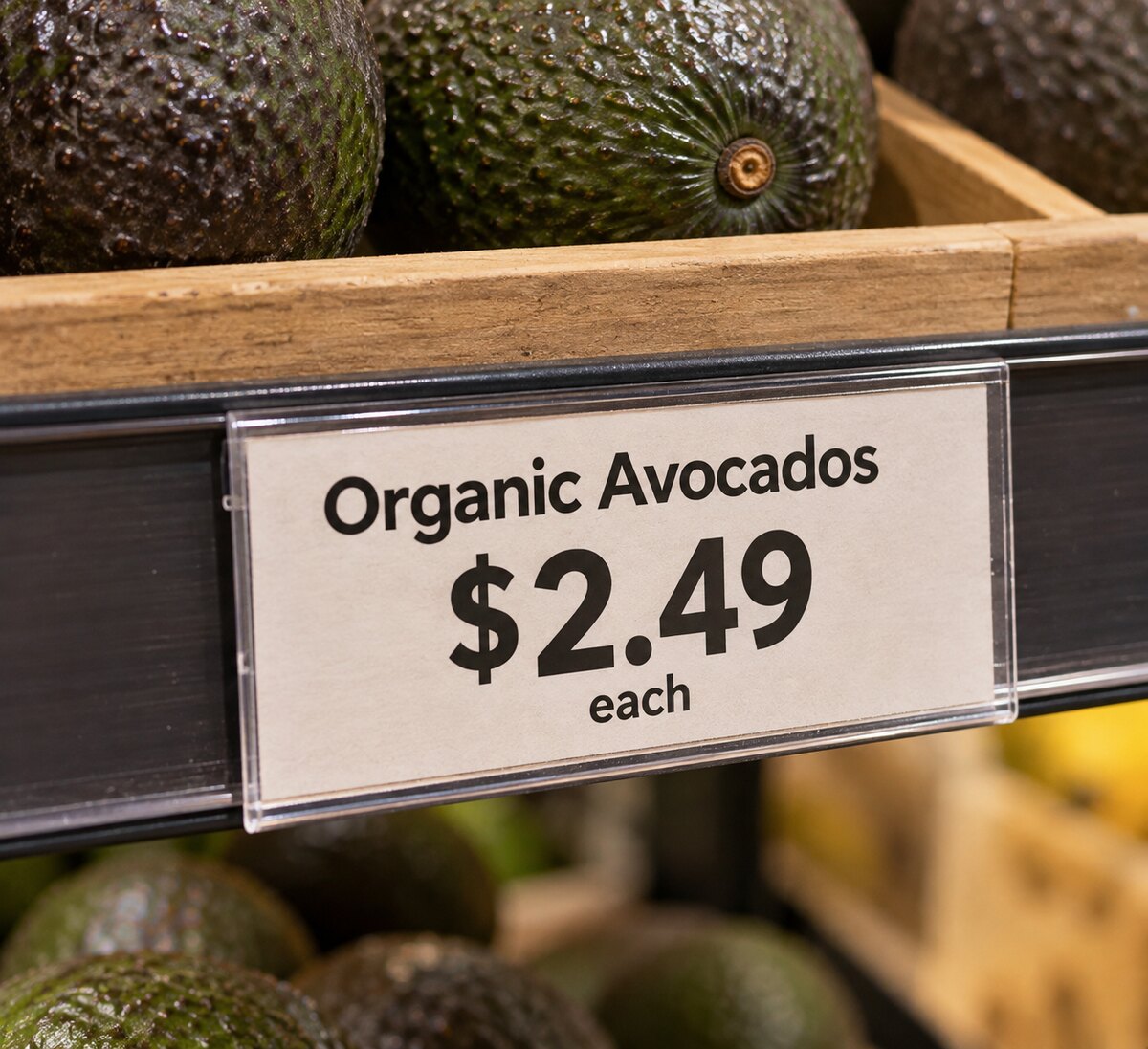 Before
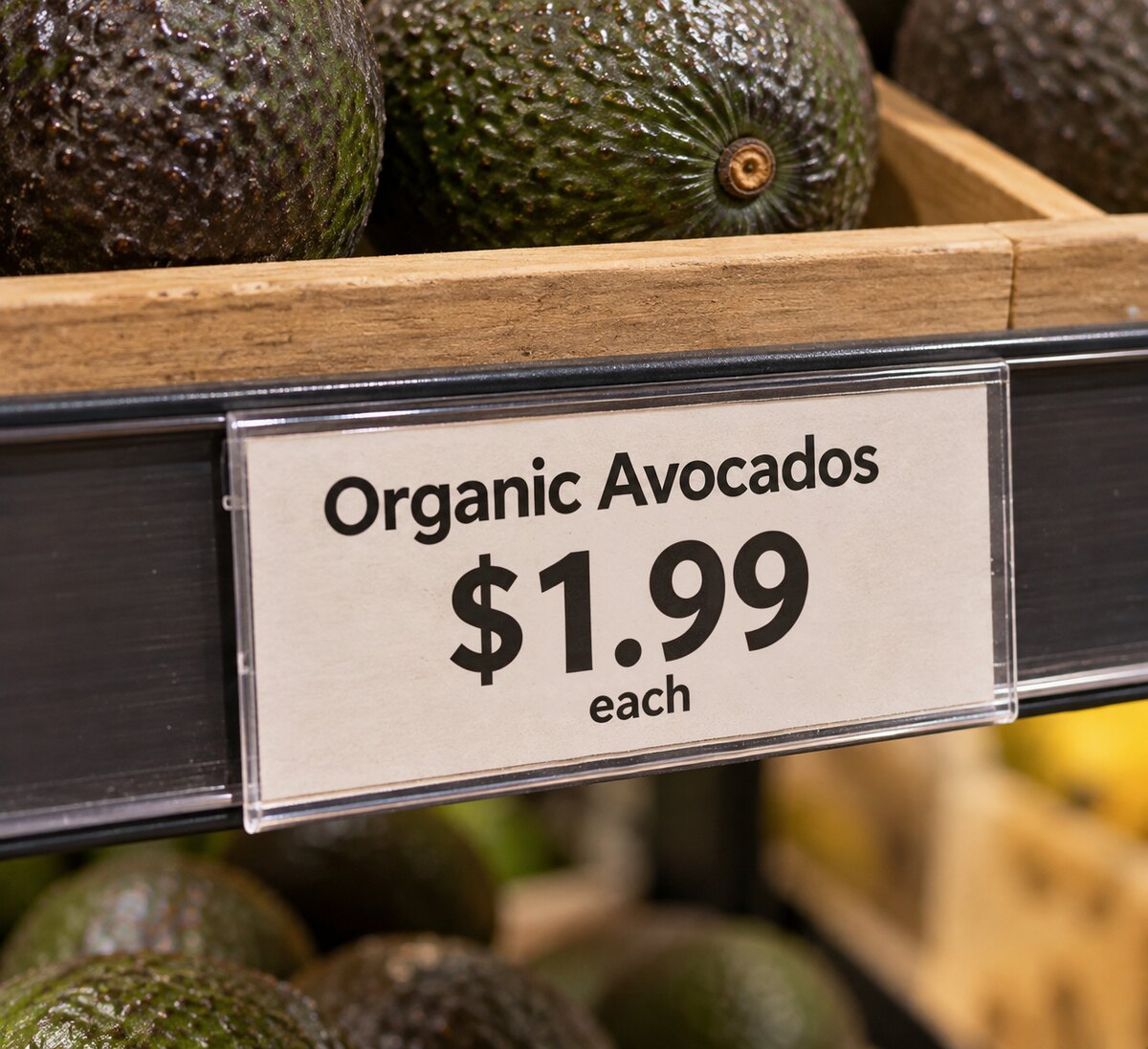 After
After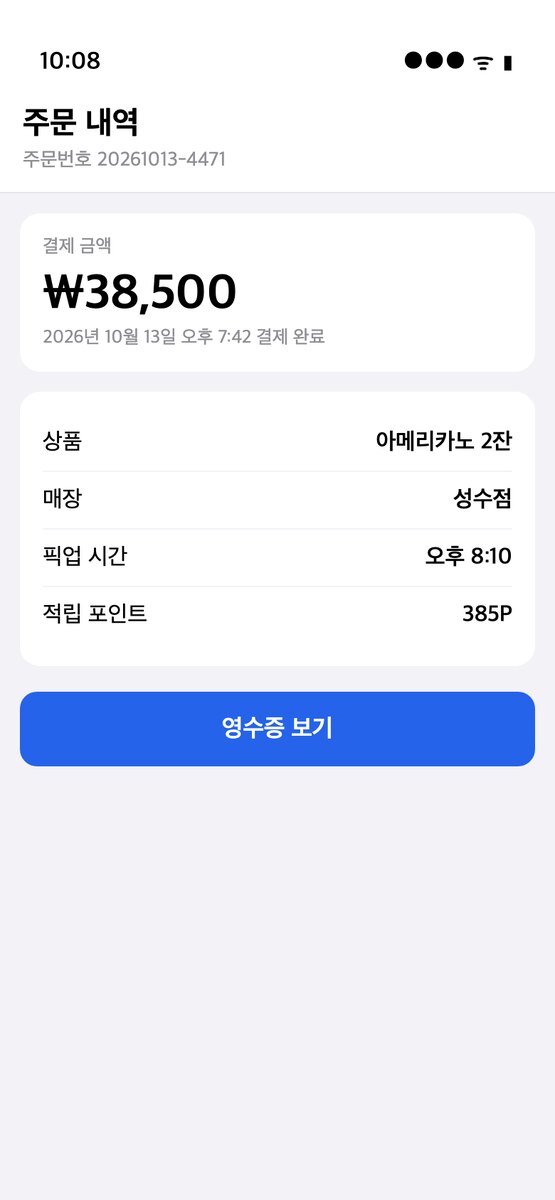 Before
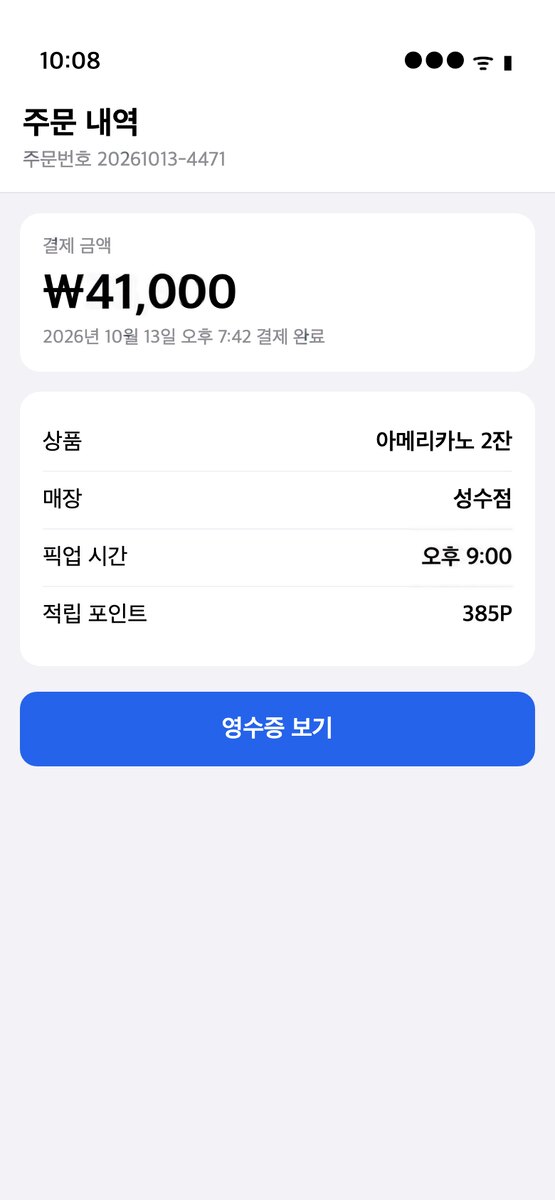 After
After Before
 After
AfterIn short
Numbers are short, so they are the easiest edit and the most convincing. Upload the image, pick the line with the number, type the new one. The sample above changes a shelf price from $2.49 to $1.99 on a printed label, with the same typeface and spacing. Prices and quantities on your own product photos, mock-ups and social graphics are the intended use.
How it works
- 1
Upload the image
PNG, JPEG or WebP. The text in it is found and boxed in a few seconds. No account needed for this step.
- 2
Type what each line should say
Click a box, type the new text, or translate every line into another language in one click. Fix a misread line or draw a box the scan missed. Change up to 20 lines at once.
- 3
Download the result
In 20 to 40 seconds you get a PNG with the new text in the original font, color and angle. One credit per image; your first is free.
Typical uses
- Update a price on a product photo for a listing or a menu board.
- Change a statistic on a social graphic after the figures were revised.
- Make the numbers in a UI screenshot consistent for a tutorial or a demo.
- Change a jersey number, a room number or a house number in a photo for a mock-up.
Not for
Receipts, invoices, bank screens, payslips, scores on transcripts and anything used as proof. These are refused by the scan.
What it will not edit
ID cards, passports, driving licences, certificates, transcripts, receipts, invoices and bank documents. The scan recognises these and the edit is refused before anything is charged. Editing them is forgery in most places, and we do not want that traffic.
Everything else that is yours to change is fine: your screenshots, your designs, your photos, images you have the rights to.
Questions
Does it keep currency symbols and decimal points aligned?
Yes. The symbol, the digits and the punctuation are redrawn as one line in the same style.
Do I need to know the font?
No. The font, weight, color, outline and slant are copied from the pixels around the line. You only type the new words.
Does it keep the resolution?
Yes. The result is a PNG the same size as the image you uploaded, and apart from the lines you changed, the pixels are the ones you uploaded. Nothing is downscaled to fit a watermark or a free tier.
Is there a watermark?
No, on free and paid edits alike.
Does it work on a phone?
Yes. It runs in the browser on iPhone and Android. Upload from your camera roll, tap a line, type, download.
What does it cost?
One credit per image, however many lines you change. New accounts get 1 free credit. Then 2 edits for $1, 40 for $10, or 120 a month for $20. Failed edits are not charged. Pricing.
What happens to my image?
It is sent to the model once, stored for up to a day so the edit can finish, then deleted. Results are kept for 30 days so you can download them again. See the privacy policy.